How to process audio files
You have exported your configuration as a .json file.
Starting the Processing CLI tool
To generate your dataset:
- Start the CLI tool script
- Enter
sse <path-to-config.json> - Then press
Enter
You will arrive on the CLI menu.
- Windows 11
- Ubuntu 24
Navigating the CLI menu
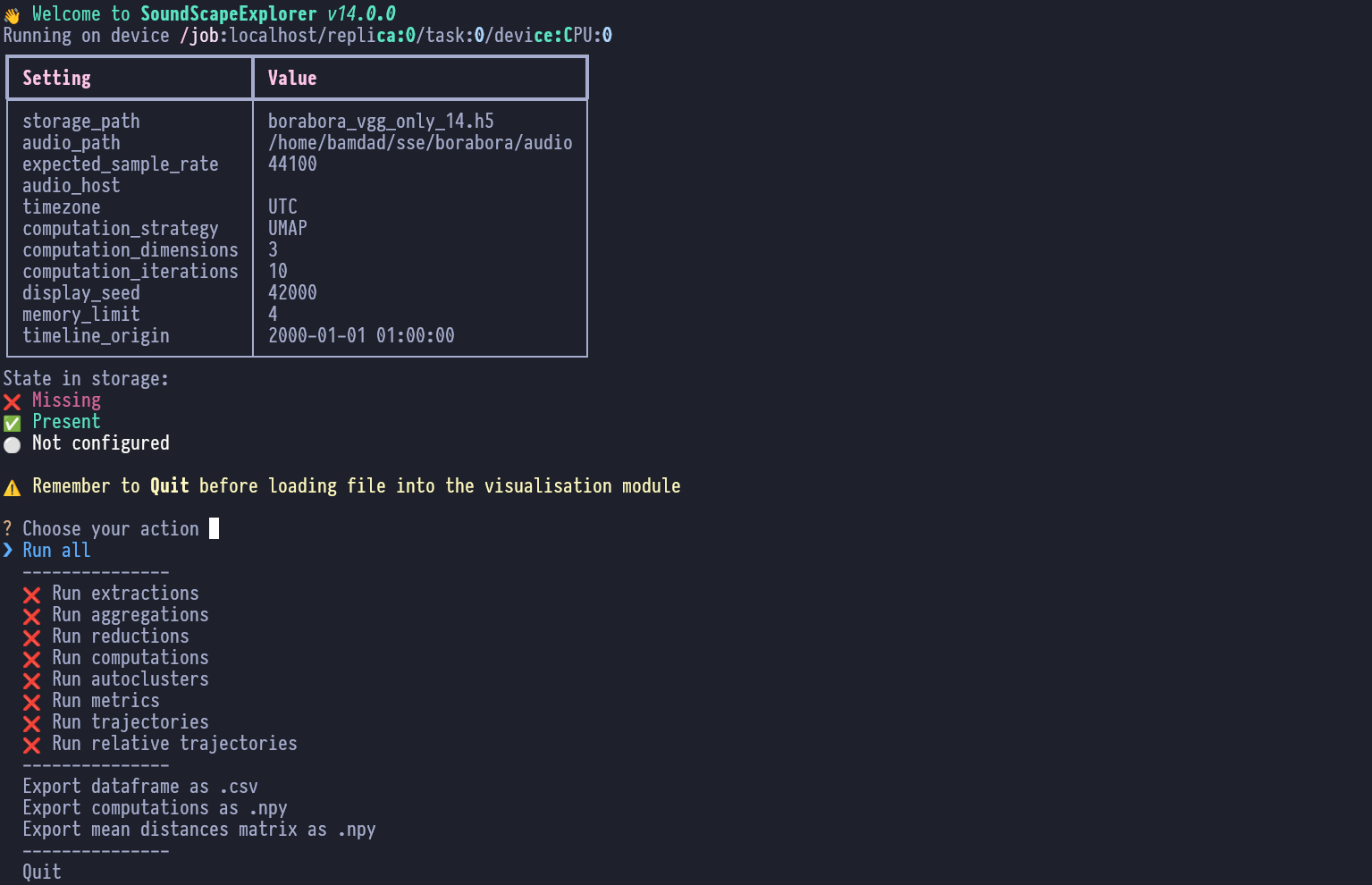
Select Run all to start the data generation.
Wait for the h5 data file to be generated
alongside your .json config file.
Once completed, exit the menu by selecting Quit or pressing ctrl+c.
tip
For detailed information on CLI commands and menu options, see the CLI Commands Reference and CLI Menu Reference.