How to update
Upon starting, the  standalone app checks for available updates.
Downloading updates
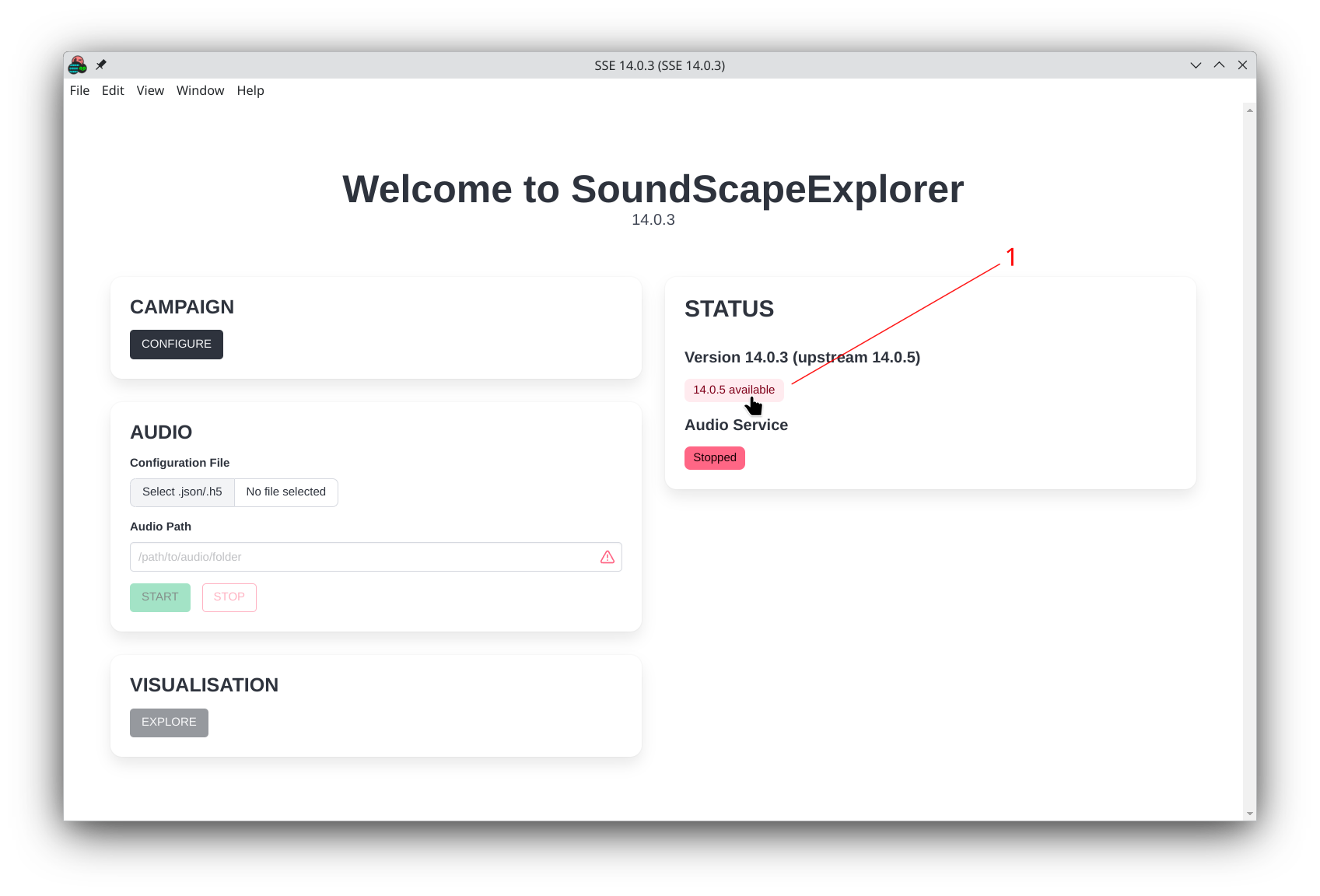
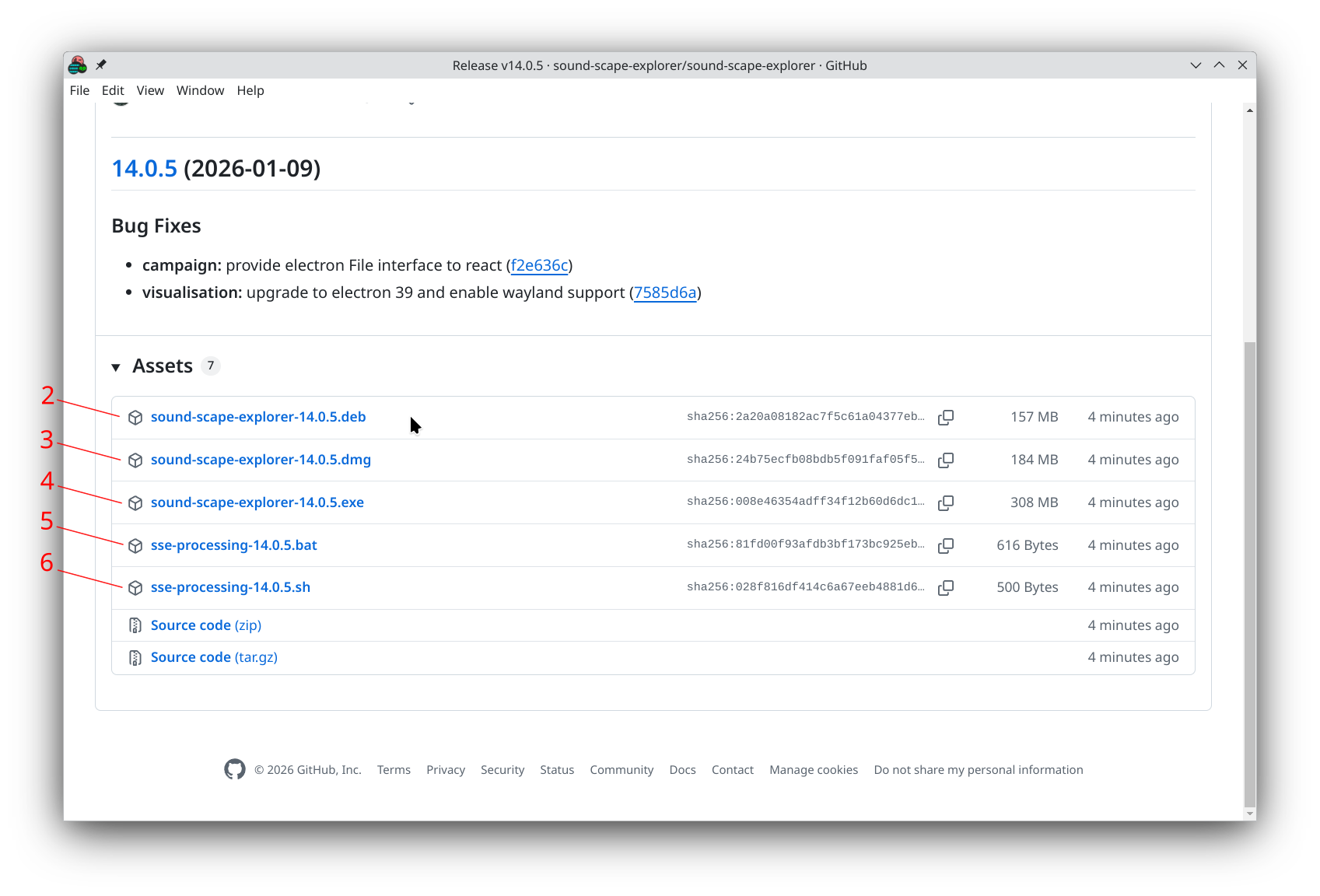
If it finds one, click on the button (1) to open your main browser and download the latest packages:
- Standalone app
.exepackage for Windows systems (2).debpackage for Debian based systems (i.e. Ubuntu 24) (3).dmgfor macOS systems (4)
- Processing CLI tool
.batfor Windows systems (5).shfor UNIX systems (Linux and macOS) (6)
- Standalone app with detected update
- Update release page
Installing updates
Standalone app
- Windows: Run the new
.exeinstaller - Ubuntu: Install with
sudo apt install ./sound-scape-explorer-[version].deb - macOS: Open
.dmgand drag to Applications (replaces existing)
Processing CLI
- Run the new
.bat(Windows) or.sh(Linux/macOS) script - This will create the Python environment with new dependencies
info
We recommend keeping your CLI and standalone apps in sync.